





Technical SEO Checklist for Growing Websites
 Preferred source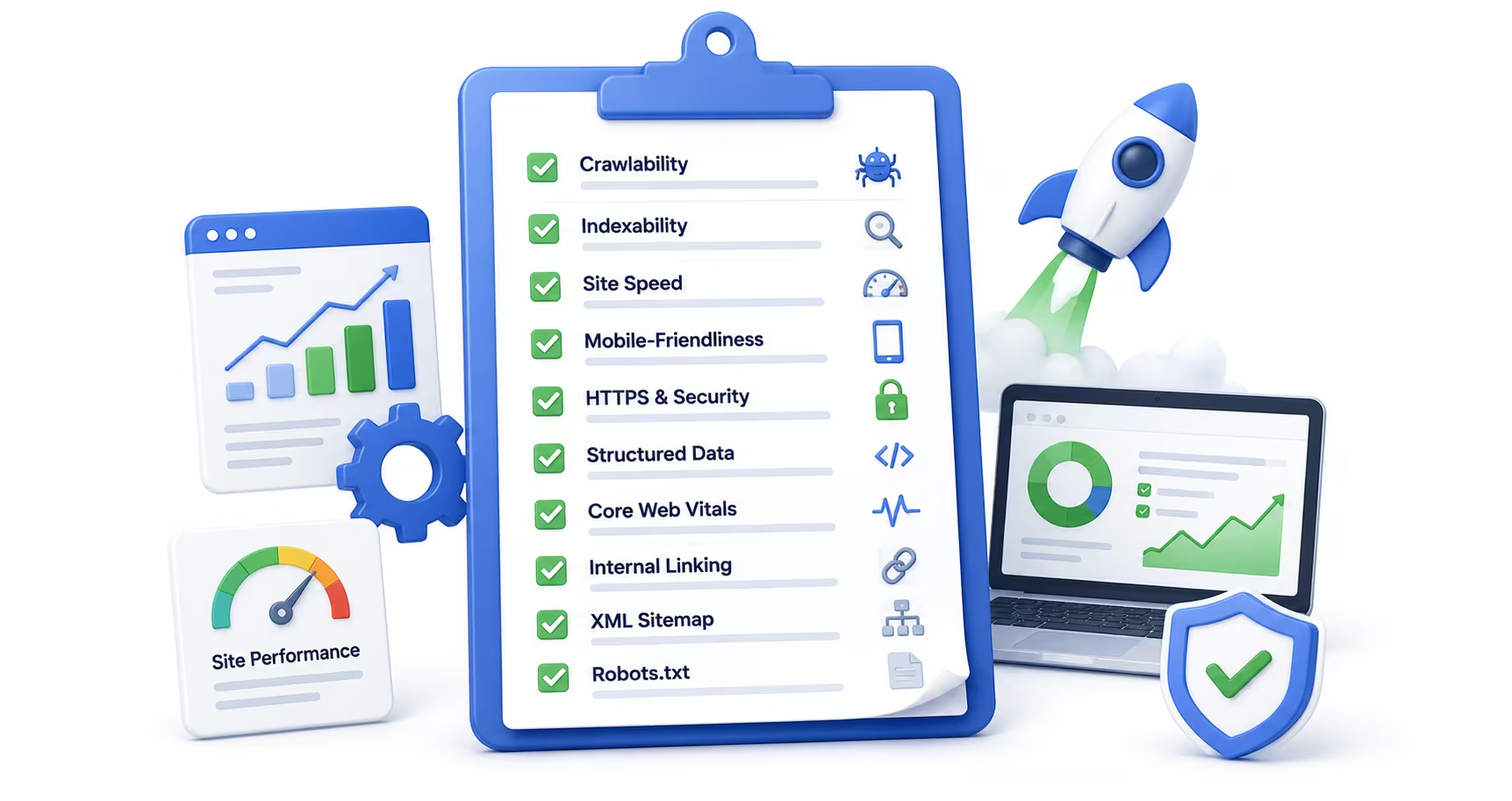
Technical SEO is not glamorous. It does not generate the kind of quick wins that a viral piece of content might, and it rarely gets the credit it deserves in marketing meetings. But it is the infrastructure on which every other SEO effort rests. A site with brilliant content, a robust backlink profile, and a perfectly crafted content strategy can still fail to rank if its technical foundations are broken. Technical SEO is where we usually start when those foundations need repair. Crawlers cannot index what they cannot reach. Pages cannot rank if they load too slowly. Schema cannot help if it contradicts the page content.
For growing websites specifically, technical SEO demands ongoing attention. As a site adds pages, expands its content library, launches new product or service lines, and integrates new tools, the opportunities for technical problems multiply. What worked at 50 pages often breaks at 500. This checklist covers the most impactful technical SEO priorities for websites that are scaling, organized by area so you can audit systematically and address issues in order of priority. For a ranked view of what to fix first, pair it with our Technical SEO Priority Matrix.
Crawlability and Indexation
The first question of technical SEO is always the same: can search engines find, crawl, and index your content? Surprisingly often, the answer is partially or entirely no. Crawl budget constraints, misconfigured robots.txt files, accidental noindex tags, and broken internal link structures all prevent search engines from accessing pages that should be visible.
Start any technical audit by reviewing your robots.txt file to ensure you are not inadvertently blocking important page sections or entire directories. Cross-reference your XML sitemap against Google Search Console's Coverage report to identify pages that are excluded from the index, whether by error, noindex tags, or crawl anomalies. Pay particular attention to soft 404s, pages that return a 200 status code but display thin or missing content, as these quietly waste crawl budget without triggering obvious error alerts.
For growing sites, a monthly crawl using tools like Screaming Frog, Semrush, or Ahrefs Site Audit is the minimum viable monitoring cadence. These crawls surface issues before they compound into ranking losses that are difficult to trace and recover from.
Core Web Vitals and Page Experience
Google's Core Web Vitals are three performance metrics that measure the speed, responsiveness, and visual stability of a page from the user's perspective. They are a confirmed ranking signal, and they have become increasingly important as Google has expanded the use of real-world Chrome User Experience data in its ranking systems.
Largest Contentful Paint measures how quickly the main content of a page loads for users. The target is under 2.5 seconds. Interaction to Next Paint replaced First Input Delay in March 2024 and measures how quickly a page responds to user interactions; the target is under 200 milliseconds. Cumulative Layout Shift measures visual stability, specifically how much the page layout shifts during loading; the target is under 0.1. Pages that fall below these thresholds face ranking disadvantages that no amount of content or link investment can overcome.
Common fixes for Core Web Vitals failures include optimizing image formats and sizes, deferring non-critical JavaScript, eliminating render-blocking resources, using a content delivery network, and reserving explicit size dimensions for images and embeds to prevent layout shifts. Check your Core Web Vitals performance in Google Search Console under the "Experience" section, which segments data by mobile and desktop.
Site Architecture and Internal Linking
As websites grow, their architecture becomes increasingly important for both user experience and SEO. A well-structured site makes it easy for crawlers to discover all pages efficiently and for users to navigate logically between related content. A poorly structured site creates crawl inefficiencies, distributes link equity ineffectively, and produces the kind of topical confusion that suppresses rankings.
The practical target is to keep all important pages within three clicks of the homepage. Deeply buried content, pages that require more than five clicks to reach from the root, receives disproportionately fewer crawls and ranks less well as a result. Review your site architecture annually as content scales, and use internal links deliberately to channel authority toward your highest-priority pages with relevant, descriptive anchor text.
Mobile-First Indexing
Google now uses the mobile version of your site as the primary version for crawling, indexing, and ranking. This is not optional or gradual; mobile-first indexing is the default for all websites. If your mobile experience is meaningfully inferior to your desktop experience, whether through content that is hidden behind tabs on mobile, different structured data implementations, slower load times, or smaller images, those differences will suppress your rankings across both devices.
Audit your mobile pages specifically, not just as a scaled-down version of your desktop audit. Test page speed on mobile connections using Google's PageSpeed Insights or Lighthouse. Verify that structured data is implemented consistently on both mobile and desktop versions of every page. Ensure that no content visible on desktop is hidden or removed on mobile without a clear user experience rationale.
Structured Data and Schema Markup
Structured data is transitioning from an SEO enhancement to critical infrastructure. Google and Microsoft have both confirmed that they use schema markup to power their generative AI features. Sites with properly implemented structured data appear in AI Overviews and AI-generated answers more frequently than those without. For implementation guidance, see why structured data matters for AI search.
For most growing websites, the highest-priority schema types are Organization (for brand identity and contact information), WebPage and Article (for content metadata and authorship), FAQPage (for structured question-and-answer sections), BreadcrumbList (for site navigation), and Product or Service schemas where applicable. Implement structured data using JSON-LD in the page head rather than inline microdata, as JSON-LD is easier to maintain and debug as your site scales.
HTTPS, Canonicalization, and Duplicate Content
HTTPS is a baseline requirement for modern websites, both as a ranking signal and as a trust indicator that affects user behavior. Verify that every page on your site serves over HTTPS, that HTTP requests redirect cleanly to the HTTPS equivalent, and that mixed-content warnings, caused by assets loading over HTTP on HTTPS pages, are eliminated.
Canonicalization becomes critical as sites grow. Pagination, session parameters, URL variations, and syndicated content all create duplicate or near-duplicate pages that can fragment link equity and confuse ranking signals. Use canonical tags consistently to indicate the preferred version of each page, and implement hreflang attributes for any multilingual or multiregional content. Review your canonical implementation in every technical audit, as CMS updates and new templates frequently introduce canonical errors at scale.
Frequently Asked Questions
Common questions about GEO, SEO, and AI-driven search visibility.
Monthly audits are recommended for fast-scaling websites or any site shipping frequent content and development changes, because technical debt on a growing site compounds quietly until it becomes a ranking problem. Quarterly is the minimum viable frequency for most growing sites. Beyond the calendar, certain events should trigger an immediate audit regardless of schedule: a redesign, a CMS or hosting migration, a major template change, or any deploy that touches routing, redirects, or rendering. The most effective pattern we see is a two-tier cadence: a lightweight automated crawl that runs continuously and alerts on regressions like new noindex tags, broken canonicals, or status code changes, plus a deeper quarterly review where a person interprets the trends, reconciles them against Search Console data, and prioritizes fixes by traffic impact rather than by error count.
Accidental noindex tags are among the most common and most damaging mistakes on growing sites. They typically originate in development or staging environments, where noindex is correct, and then get silently copied to production during a deploy, a template update, or a CMS migration. The damage is severe because nothing visibly breaks: the site looks fine, but pages drop out of the index over the following weeks, and by the time traffic loss becomes obvious the recovery takes far longer than the mistake took to make. Close behind noindex are broken canonical tags pointing at staging URLs, robots.txt rules that block resources crawlers need for rendering, and redirect chains left over from past migrations. A regular crawl review with alerting on indexability changes catches all of these within days instead of months, which is the difference between an incident and a quarter of lost rankings.
Core Web Vitals are a confirmed Google ranking signal, measured from real Chrome user data rather than lab tests, and they function as a tiebreaker more than a dominant factor. Poor scores can suppress page rankings, particularly in competitive niches where content quality and authority are similar across competing pages, which describes most commercial queries worth winning. The three metrics measure loading performance, interaction responsiveness, and layout stability, and each maps to a real user frustration. That is why the business case is stronger than the ranking case alone: improving Core Web Vitals also reduces bounce rates and lifts conversion rates independently of any ranking effect, because users act on the same slowness the metrics measure. Treat the thresholds as a floor to stay above on your highest-traffic templates rather than a score to perfect sitewide.
Both matter, but mobile carries more weight for two separate reasons. First, Google uses mobile-first indexing, meaning the mobile version of your site is the one being evaluated for rankings, so a fast desktop experience cannot compensate for a slow mobile one. Second, the field data Google collects reflects real conditions, and mobile users sit on slower networks and less powerful devices, which makes the same page measurably slower for them and makes them more sensitive to every additional second. Mobile bounce rates for slow-loading pages run significantly higher than desktop bounce rates under identical conditions. The practical implication for a growing site is to test and budget performance against a mid-range phone on a throttled connection rather than a developer laptop on office wifi, because that is the experience your rankings and a majority of your visitors are actually built on.
A canonical tag tells search engines which version of a page is the preferred one to index and rank when the same or very similar content is reachable at more than one URL. Use canonical tags whenever duplication is structural: pagination variants, URL parameter versions created by filters and tracking codes, printer-friendly pages, and syndicated copies of content that live on your own domain. Growing sites accumulate these duplicates faster than anyone notices, and without canonicals the ranking signals split across versions, leaving every copy weaker than one consolidated page would be. Two rules keep implementations clean. Every page should carry a canonical, even if it is self-referencing, so crawlers never have to guess. And canonicals must point at live, indexable URLs, because a canonical aimed at a redirected or blocked page sends a contradictory signal that search engines will resolve on their own, often not in your favor.
Google recommends JSON-LD, and it is the right choice for almost every site unless a specific technical constraint forces microdata. The practical difference is where the markup lives. Microdata is woven into your HTML elements, which means every template change risks breaking it, and auditing it requires reading the markup itself. JSON-LD lives in a self-contained script block separate from the visible markup, so it can be added, validated, and updated without touching page structure, generated centrally from your data instead of duplicated across templates, and tested in isolation. That separation matters more as a site grows, because structured data stops being a per-page task and becomes a system you maintain. Whichever format you use, keep the markup consistent with what a human sees on the page, since structured data that contradicts visible content invites manual actions rather than rich results.
Crawl budget optimization comes down to reducing the number of low-value URLs the crawler encounters so it spends its visits on pages that matter. Start by finding where the waste is: crawl stats in Search Console and a log file review will show whether the crawler is burning time on parameter variations, faceted navigation, expired listings, or redirect chains. Then close the leaks. Consolidate thin and duplicate pages, apply noindex to utility pages that should never rank, block crawl traps in robots.txt, flatten redirect chains to a single hop, and make sure your XML sitemap contains only live, indexable, canonical URLs so it functions as a clean priority list. Internal linking is the positive lever: pages linked prominently from strong pages get crawled more often. For most sites under a hundred thousand URLs, fixing these basics recovers more than enough crawl capacity; true budget starvation is mostly an enterprise-scale problem.
Sources
- Google Search Central: Core Web Vitals (opens in a new tab)
- Google Search Central: Page experience (opens in a new tab)
- Google Search Central: Sitemaps (opens in a new tab)
- Google Search Central: Canonicalization (opens in a new tab)
- Google Search Central: Intro to structured data (opens in a new tab)
- Google Search Console (opens in a new tab)